
Website Backups & Restoration
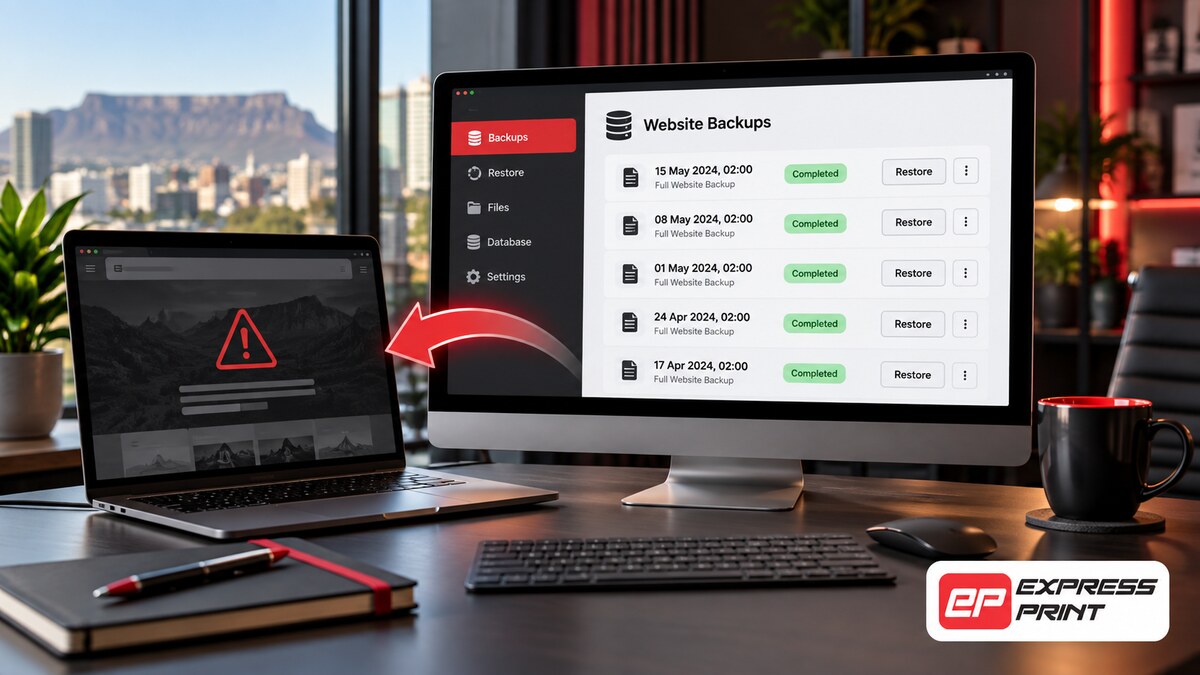
A good backup is the safety net every business website needs. If an update goes wrong, your site is hacked or files are accidentally deleted, a recent backup means you can be back online in hours instead of rebuilding from scratch. We set up automatic backups, store them safely away from your server and restore your website when you need it.
We also test backups regularly, because a backup is only useful if it actually works.
Signs you need website backups
If any of these sound familiar, we can help.
What’s included
Automatic backups
Scheduled daily or weekly backups of files and database.
Off-site storage
Copies stored securely away from your hosting server.
Backup retention
Multiple restore points so you can go back to a date before a problem.
Backup testing
Regular test restores to make sure backups work.
Full restoration
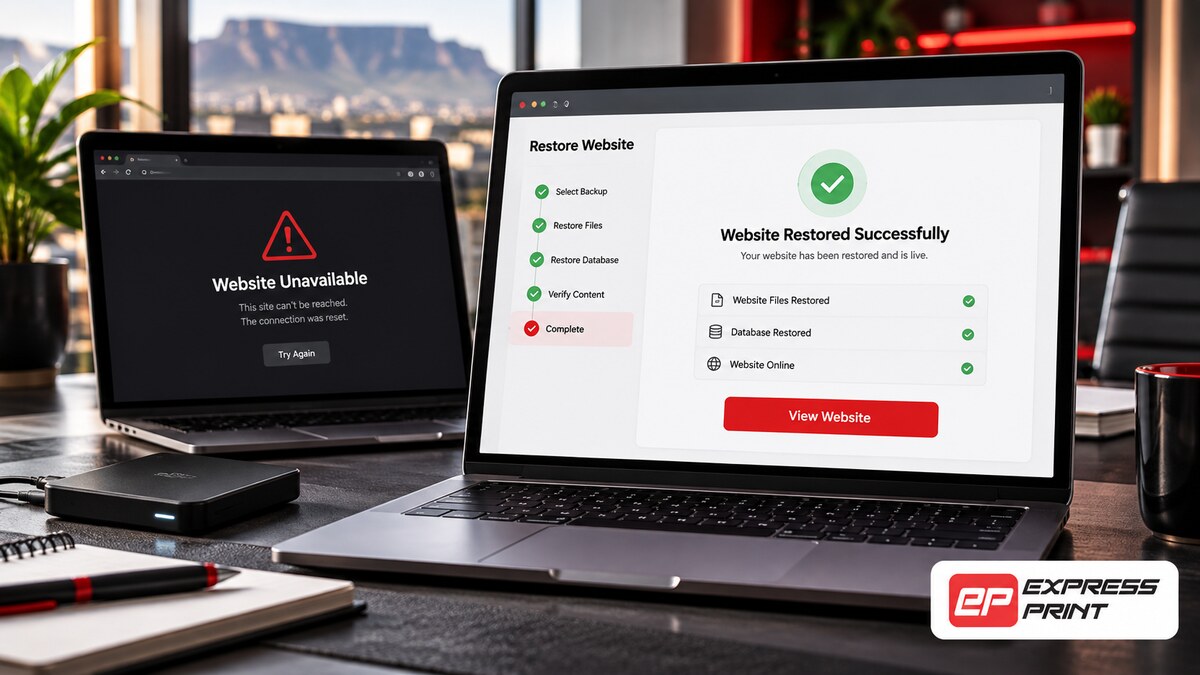
We restore your whole website after a crash, hack or failed update.
Partial restores
Recover a single page, file or database table when needed.
Pre-update backups
A fresh backup before every update or major change.
Backup reports
Confirmation that backups are running and healthy.
Why backups are essential
Websites fail for many reasons: a plugin conflict after an update, a hosting server problem, a hack or simply someone deleting the wrong page. Without a backup, recovery can mean rebuilding pages from memory or old screenshots, which is slow and costly. With a recent, working backup, we can restore your website to the way it was before the problem happened.
Many businesses discover too late that their hosting backups are limited, only kept for a few days or stored on the same server that failed.
Our backup approach
We follow a simple rule: keep several copies, in more than one place, and test them. Backups run automatically on a schedule that suits how often your website changes. Busy online shops may need daily or even more frequent backups, while a company profile site may only need weekly ones.
- Automatic scheduled backups
- Stored off the server
- Several restore points kept
- Tested regularly
Fast restoration when things go wrong
If something goes wrong, contact us and we will assess the problem and choose the best restore point. We can restore the whole website or just the affected part, such as a single page or your product catalogue. After restoring, we check that everything works and investigate what caused the problem so it does not happen again.
Backups and your online shop
For online shops, backups are even more important because orders, customers and stock change every day. We set up backups that capture your store data often enough to avoid losing orders, and we take care to restore in a way that protects recent transactions.
What a good backup plan looks like
A reliable backup plan follows a few simple rules. Backups should run automatically, be stored away from your hosting server, include both files and the database, and be kept for several weeks so you can go back to a point before a problem started. Most importantly, backups must be tested. A backup that cannot be restored is not a backup at all.
Backups for online stores
Online stores change constantly, with new orders, customers and stock updates every day. For WooCommerce shops we recommend more frequent backups and careful restore procedures, so you do not lose recent orders when restoring the website. We plan this with you so your shop data stays safe.
Our work

How it works
Why choose Express Print
Frequently asked questions
How often should my website be backed up?
Most business websites should be backed up at least weekly, and online shops daily. We will recommend a schedule based on how often your website changes.
Where are my backups stored?
We store backups securely off your hosting server, so they remain safe even if the server fails or is compromised.
Does my hosting company not already back up my site?
Some do, but many only keep a few days of backups on the same server. Independent off-site backups add an important extra layer of protection.
How long does a restore take?
Most restores are completed within a few hours, depending on the size of the website and the problem.
Can you restore a website that someone else built?
Yes, if a backup exists. If there is no backup, we can still try to recover your website from your hosting account or other sources.
How much do backups cost?
Backups are included in our maintenance plans or can be set up separately. Contact us for a quote.
Get a free quote for website backups
No obligation. We reply within one business hour, Monday to Friday.
✅ Thank you, your request is in!
We will be in touch within one business hour. A copy has been emailed to you.
