
Business Email Support
A professional email address on your own domain, such as [email protected], builds trust with customers. But business email can be frustrating when messages bounce, land in spam or stop syncing to your phone. We set up business email accounts, connect them to your devices and fix sending and receiving problems.
We work with hosting email, Google Workspace and Microsoft 365.
Signs you need business email support
If any of these sound familiar, we can help.
What’s included
Email setup
New mailboxes on your domain, set up and ready to use.
Device setup
Email connected to Outlook, Gmail app, iPhone and Android.
Deliverability fixes
SPF, DKIM and DMARC records configured so your emails reach inboxes.
Bounce troubleshooting
We find out why emails are bouncing and fix the cause.
Email migration
Move old emails to a new provider without losing messages.
Aliases and forwarding
Shared addresses such as info@ and sales@ forwarded to the right people.
Mailbox clean-up
Help with full mailboxes, archiving and storage limits.
Security settings
Strong passwords and two-factor authentication where available.
Why use email on your own domain
Customers are more likely to trust and reply to an email from [email protected] than from a free email account. A domain-based email address looks professional, keeps your brand consistent and means you keep control of your business email even when staff change.
Choosing the right email service
There is no one-size-fits-all option. Hosting email is cost-effective for small teams. Google Workspace and Microsoft 365 offer large mailboxes, shared calendars, document tools and strong spam protection. We will help you choose based on your team size, budget and the tools you already use.
- Hosting email: simple and affordable
- Google Workspace: Gmail, Drive and Calendar for business
- Microsoft 365: Outlook, Teams and Office apps
Fixing email delivery problems
If your emails are going to spam or bouncing, the problem is often missing or incorrect DNS records, a blacklisted server or a misconfigured email client. We check your domain's email records, test delivery to major providers and fix the issues, so your quotes and invoices reach your customers.
Moving to a new email provider
Switching email providers can feel risky. We plan the move carefully, copy your existing messages, folders and contacts, update DNS at the right moment and set up every device again, so your team can keep working with minimal disruption.
Professional email builds trust
An email address that matches your domain, such as [email protected], looks far more professional than a free webmail address. It builds trust with customers and suppliers, keeps business communication separate from personal email and stays with the business when staff change. We help you set up and manage professional email that works reliably on every device.
Protecting your email reputation
If your domain is used to send spam, or if email authentication is missing, your messages can end up in junk folders or be rejected. We set up SPF, DKIM and DMARC records, check blacklists and advise on safe sending practices, so your quotes, invoices and replies reach your customers' inboxes.
Email on every device
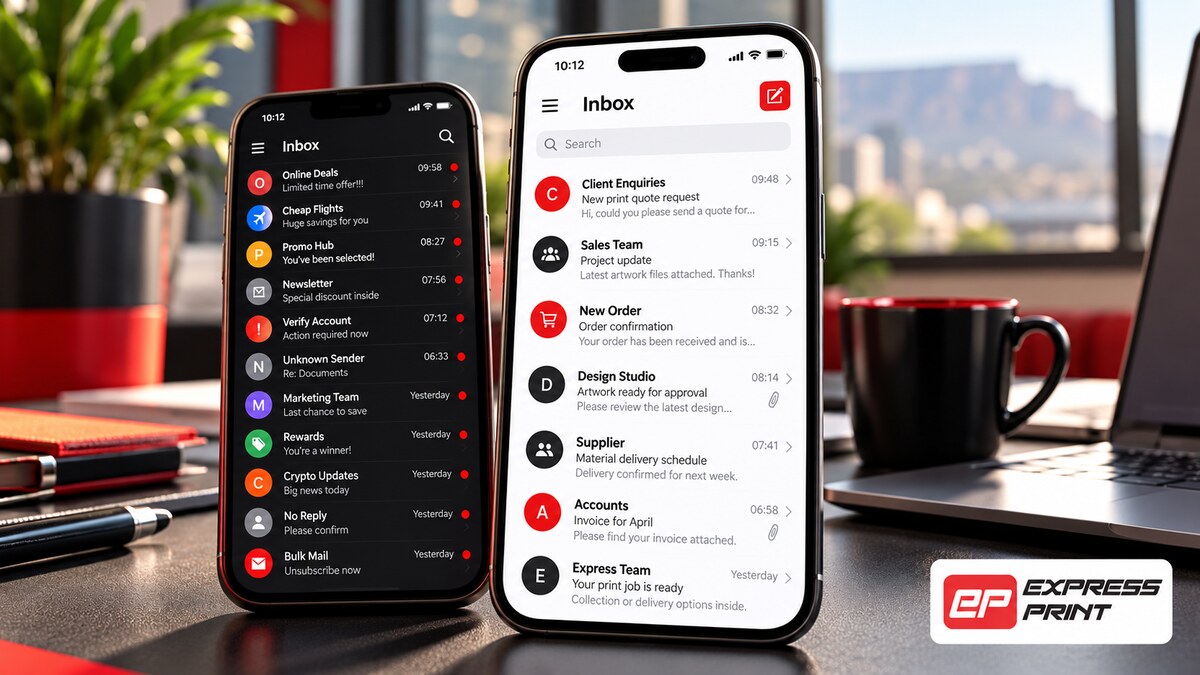
Your team needs email that works on laptops, phones and tablets, whether in the office or on the road. We set up accounts correctly in Outlook, Apple Mail, Gmail and mobile apps, using secure connections and syncing so sent items, folders and contacts stay the same on every device. If a staff member leaves, we help you keep their mailbox and redirect their messages so no customer emails are missed.
Our work


How it works
Why choose Express Print
Frequently asked questions
Can I use my business email on my phone?
Yes. We set up business email on iPhone, Android, Outlook and other email apps.
Why do my emails go to spam?
Common causes are missing SPF, DKIM or DMARC records, or a sending server with a poor reputation. We diagnose and fix the cause.
Which is better, Google Workspace or Microsoft 365?
Both are excellent. Google Workspace suits teams who like Gmail and Google Drive, while Microsoft 365 suits teams that rely on Outlook and Office. We can help you decide.
Can you move my old emails to a new provider?
Yes. We migrate existing emails, folders and contacts to your new mailbox.
How many email addresses can I have?
It depends on your hosting or email plan. We can set up as many mailboxes and aliases as your business needs.
How much does email support cost?
Setup and troubleshooting are quoted per job, depending on the number of mailboxes and devices.
Get a free quote for business email support
No obligation. We reply within one business hour, Monday to Friday.
✅ Thank you, your request is in!
We will be in touch within one business hour. A copy has been emailed to you.
