
Plugin & Theme Updates
Plugins and themes add features and design to your WordPress website, but they need regular updates to stay secure and compatible. Updating them without care can break layouts, forms or your online shop. Our plugin and theme update service applies updates safely, tests your website and fixes any conflicts, so you get the benefits without the risk.
Every update starts with a fresh backup, so we can always roll back if needed.
Signs you need plugin and theme updates
If any of these sound familiar, we can help.
What’s included
Backup before updates
A full backup is taken before any update is applied.
Safe update order
WordPress core, plugins and themes updated in the right sequence.
Compatibility checks
We check plugins against your WordPress and PHP versions before updating.
Visual testing
Key pages, forms and checkout tested after every update.
Conflict resolution
If something breaks, we find the cause and fix it or roll back.
Licence management
Help renewing premium plugin and theme licences so updates keep coming.
Unused plugin removal
Old and unused plugins removed to reduce risk and improve speed.
Update log
A record of what was updated and when.
Why updates matter
Plugin and theme developers release updates to fix bugs, close security holes and keep up with new versions of WordPress and PHP. Outdated plugins are one of the most common ways websites are hacked. Skipping updates for too long also makes future updates riskier, because many versions have to be jumped at once.
Regular, careful updates keep your website secure, compatible and running smoothly.
Why updates sometimes break websites
Every plugin and theme is built by a different developer, and they do not always test against each other. An update can change how a feature works, clash with your theme or require a newer server setup. Heavily customised themes are especially sensitive if changes were made directly in theme files instead of a child theme.
- Plugin conflicts after updates
- Custom theme changes overwritten
- Old PHP versions on the server
- Expired licences blocking updates
Our safe update process
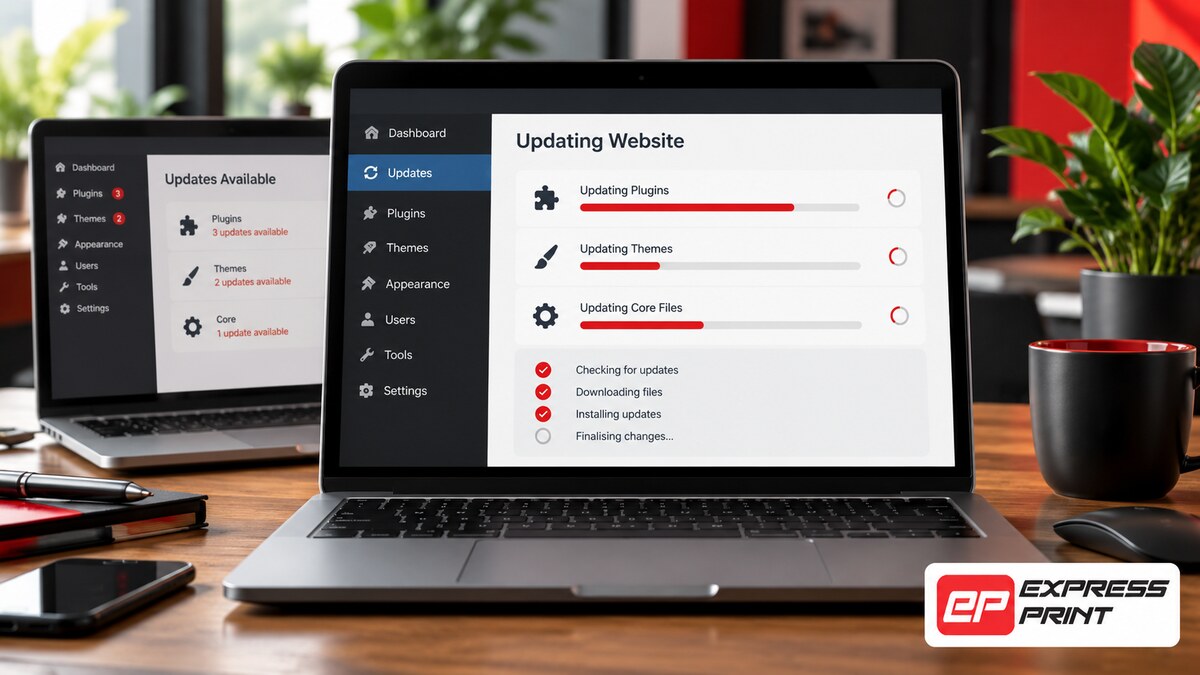
We take a backup, review the changelogs for major updates and apply them in a safe order. After updating, we check your homepage, key service pages, forms and checkout. If anything is wrong, we fix the conflict or roll back that update while we find a solution. For complex sites, we can test updates on a staging copy first so your live website is never at risk.
When it is time to replace a plugin or theme
Sometimes a plugin or theme is abandoned by its developer and no longer receives updates. Keeping it is a security risk. We can recommend well-supported alternatives, migrate your settings and content, and make sure your website keeps working the way you need it to.
Why updates sometimes break websites
Plugins and themes are made by different developers who release updates on their own schedules. Occasionally an update changes how a feature works, conflicts with another plugin or needs a newer version of PHP. Updating everything at once without checks can lead to broken layouts, missing features or a website that will not load. Careful, tested updates avoid these surprises.
Reducing plugin clutter
Many websites run more plugins than they need, including some that are no longer used or supported. Each extra plugin adds maintenance, security risk and loading time. As part of our update service, we review your plugins, recommend which ones can be removed or replaced and help you keep a lean, reliable setup that is easier to maintain.
Our work


How it works
Why choose Express Print
Frequently asked questions
How often should plugins and themes be updated?
We recommend checking for updates at least monthly, and applying security updates as soon as possible after they are released.
Can you fix my site if an update broke it?
Yes. We can restore a backup or resolve the conflict and get your website working again.
Do you update premium plugins?
Yes, as long as the licence is active. We can help you renew licences if they have expired.
What is a staging site?
A staging site is a private copy of your website where updates and changes can be tested before they go live.
Will updates change how my website looks?
Usually not. If an update changes the design, we adjust it so your website looks the way it should.
How much do updates cost?
Updates are included in our maintenance plans, or can be quoted as a once-off service.
Get a free quote for plugin and theme updates
No obligation. We reply within one business hour, Monday to Friday.
✅ Thank you, your request is in!
We will be in touch within one business hour. A copy has been emailed to you.
